
Expert Service

Printer Repair

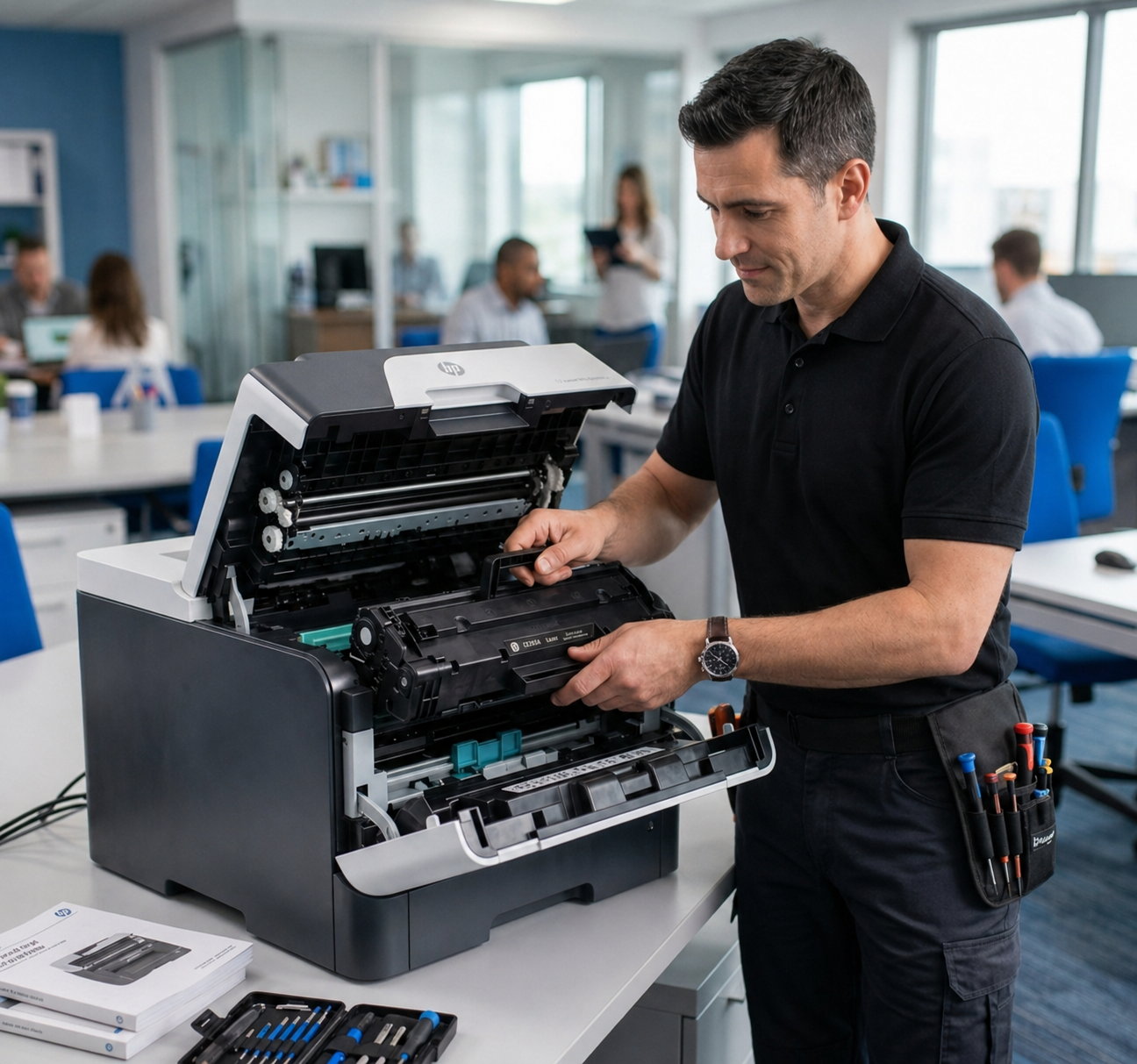
We offer printer repairs in the entire mid-Michigan area. Does your printer have a paper jam, error message, or poor print quality? Contact Cartridge Universe! Our certified techs have over 21+ years of experience repairing printers in the mid-Michigan area. Simply put, we can fix your printer!

Printer Repair Service

Best Printer Repair Service

mid-Michigan's Top Choice for Printer Service

More than 15K+ customers have trusted our certified printer repair techs. If you need help with a printer near mid-Michigan, MI, contact Cartridge Universe today!

At Cartridge Universe, our goal is to be mid-Michigan's top choice for printer repairs and service. We have repaired printers for businesses in and around mid-Michigan for more than 21+ years. Our certified techs have successfully fixed thousands of printers during this time.

So if you are looking for the best printer repair company in mid-Michigan, give us a call. Our printer specialists are here and ready to help. We are your best choice for printer repair and service near mid-Michigan, MI.

Brands We Service

We repair all major printer and copier brands, including but not limited to:

HPBrotherCanonLexmarkKyoceraXeroxKonica MinoltaRicohDellEpson

Common Issues We Fix

  • Paper jams and feed issues
  • Poor print quality or smudging
  • Error codes and connectivity problems
  • Toner or ink cartridge errors
  • Strange noises during printing
  • Routine maintenance and cleaning

Got Questions?

Printer Maintenance FAQ

Streaks on the page can be caused by low-quality or worn-out toner cartridges, dirty print head, or clogged nozzles.
Lines on the printed pages can be caused by a worn-out or damaged fuser unit, dirty or worn-out rollers, or a dirty print head.
To fix a paper jam, turn off the printer, remove the paper that is causing the jam, and carefully clear any debris from the paper feed rollers and the paper tray.
The fuser unit is a component in a laser printer that heats and presses the toner onto the paper. Issues with the fuser unit can be caused by worn-out or damaged rollers, dirty or worn-out fuser unit, or a problem with the heating element.
When you run out of ink, you should replace the empty cartridge with a new one to ensure that your prints are of high quality.
The automatic document feeder (ADF) may not work if there is a paper jam, if the rollers are worn out or dirty, or if there is a problem with the scanning mechanism.
A maintenance kit should be replaced periodically to ensure that your printer is functioning at its best. This kit includes essential components such as the fuser unit, transfer roller, and pick-up rollers.
The Supplies Memory Error message usually indicates that the printer is unable to communicate with the toner cartridge or that the cartridge is not compatible with the printer.
The Toner Low message indicates that the toner cartridge in your printer is running low and needs to be replaced soon.
The Memory Overflow message means that the printer's memory is full and cannot process any more data. This can be caused by a large print job or a memory leak in the printer software.

Book a Service

Request Printer Repair

Fill out the form below and our certified techs will contact you within one business day. Fields marked * are required.

Your Contact Info

Printer Details

What's the Problem? *

Check all that apply

Preferred Contact Method

Urgency

Or call us directly: (989) 631-0716

© 2026 Cartridge Universe. All rights reserved. Serving mid-Michigan & the Greater Birmingham Area for 21+ Years.